macOS 27+ includes an undocumented feature flag that lets iPhone and iPad mirroring run in its own window. It is a small but welcome change: the mirrored device can now sit alongside your apps instead of taking over the usual AirPlay experience.
Because this is an undocumented system setting, it may change or disappear in a future macOS update. Use it only if you are comfortable enabling experimental features.
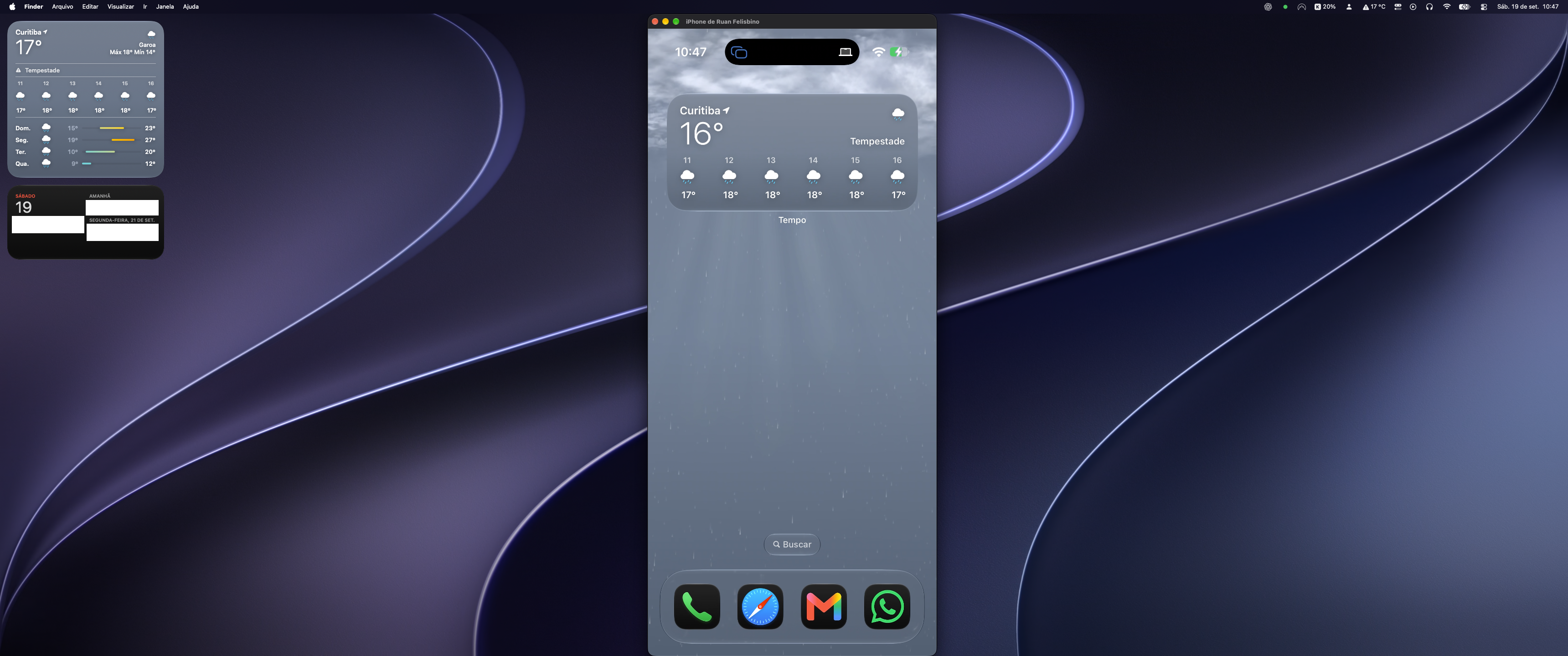
Enable windowed mirroring
Create the feature-flags directory, then enable the AirPlay receiver window setting:
Restart your Mac for the change to take effect. After it starts again, mirror an iPhone or iPad as usual and macOS will open the receiver in a separate window.
Restore the previous behavior
To remove the feature flag and return to the previous AirPlay behavior, run:
Restart your Mac once more to apply the rollback.